
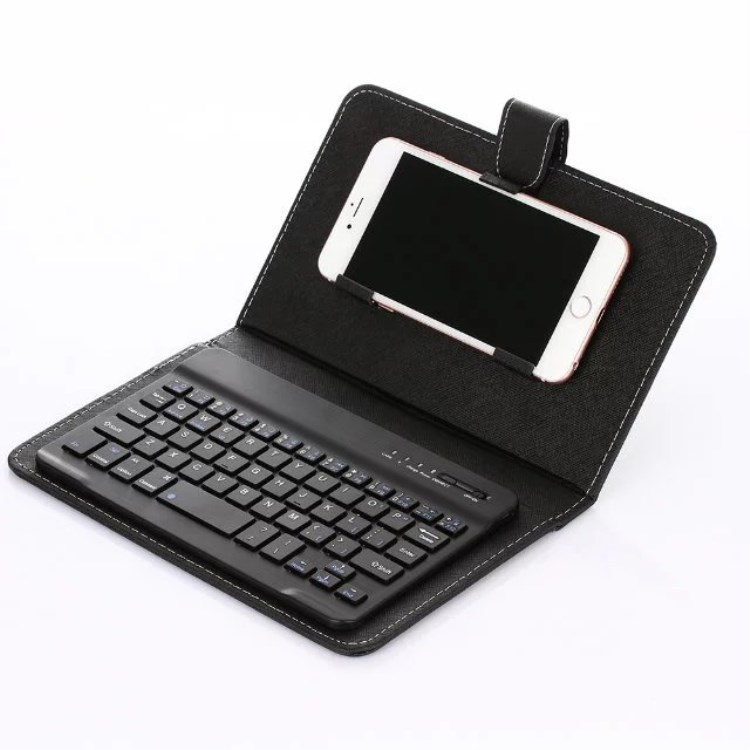
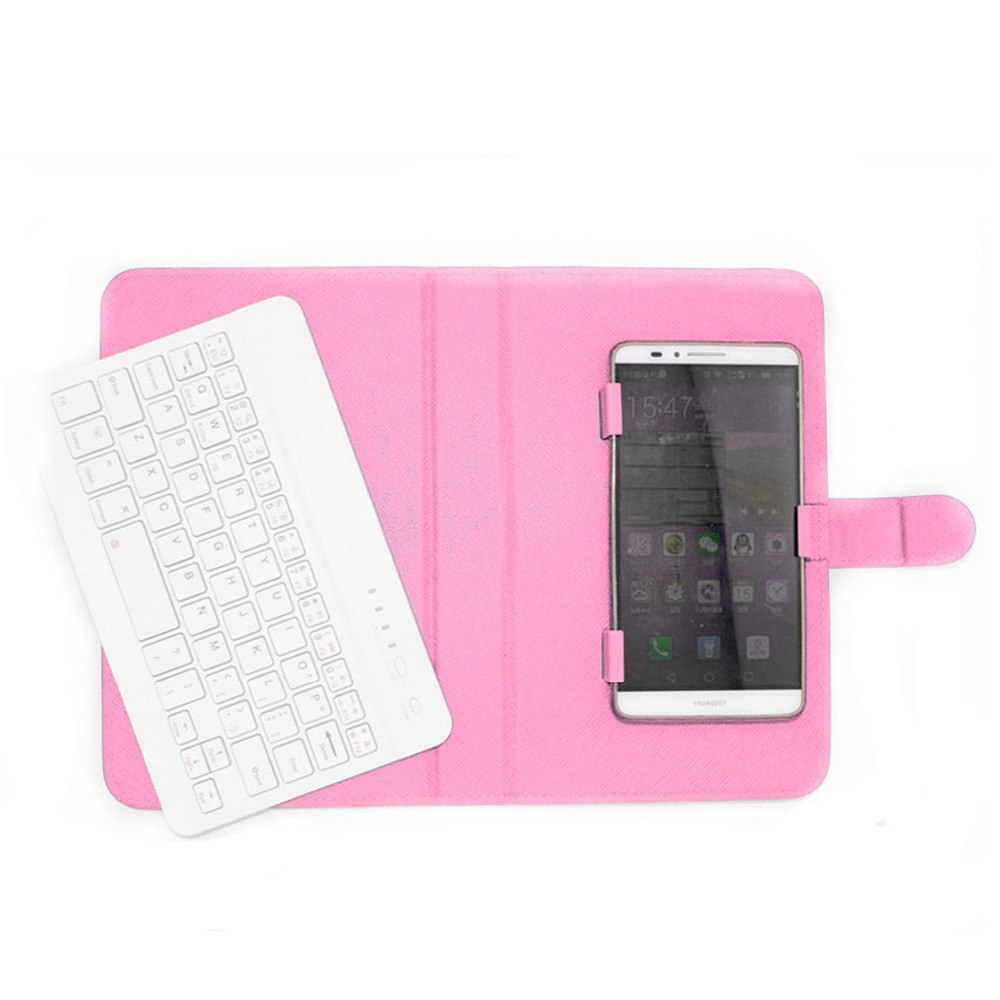

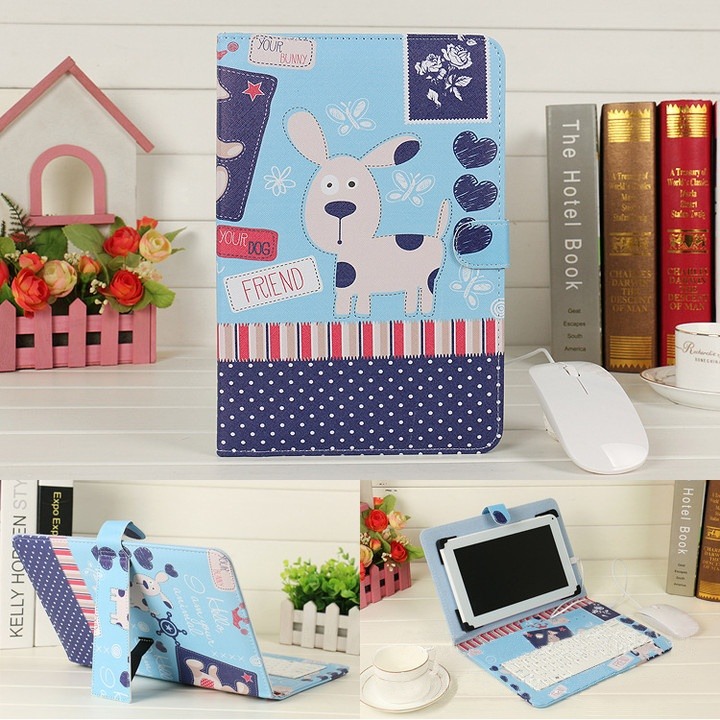
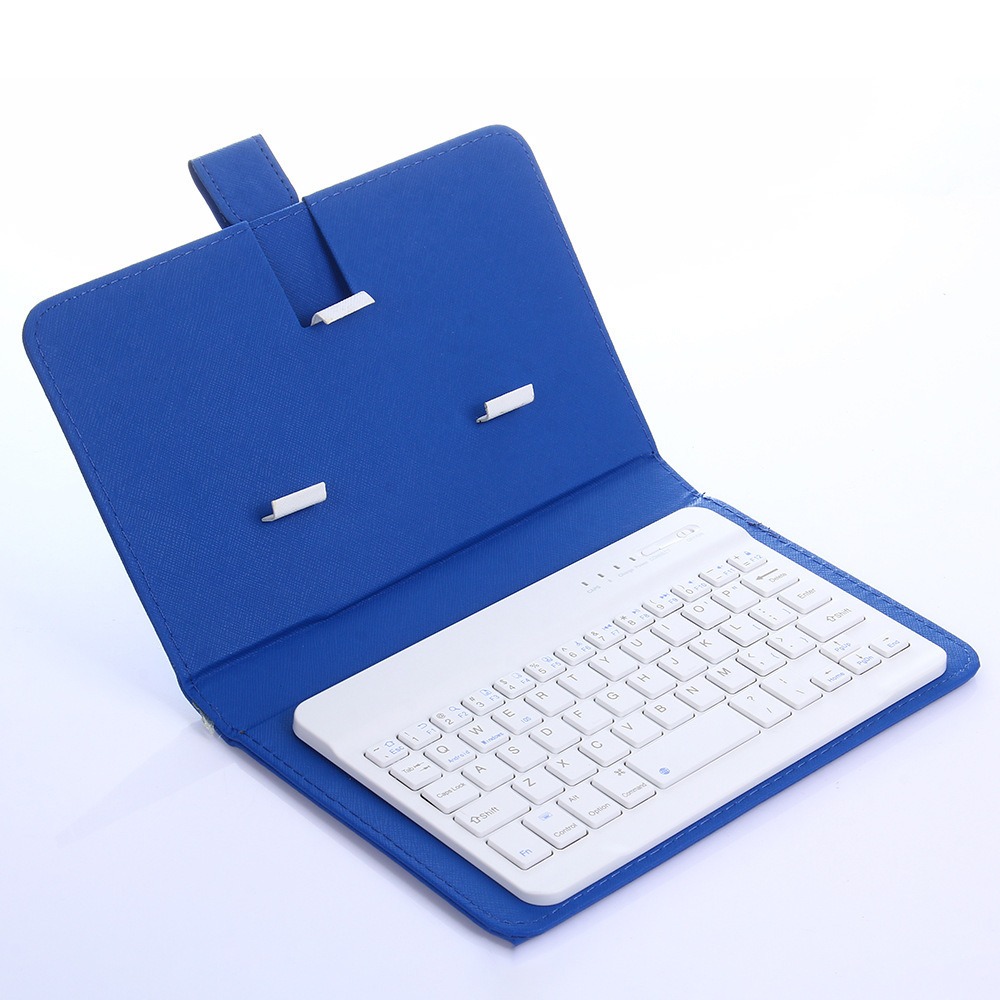
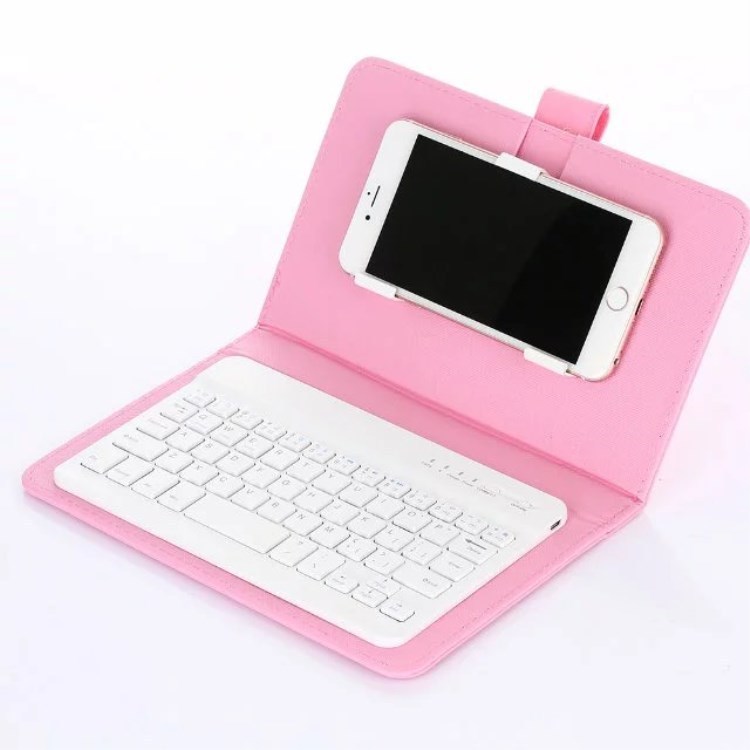
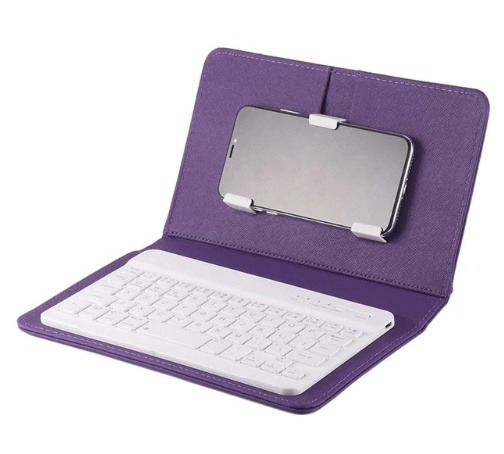
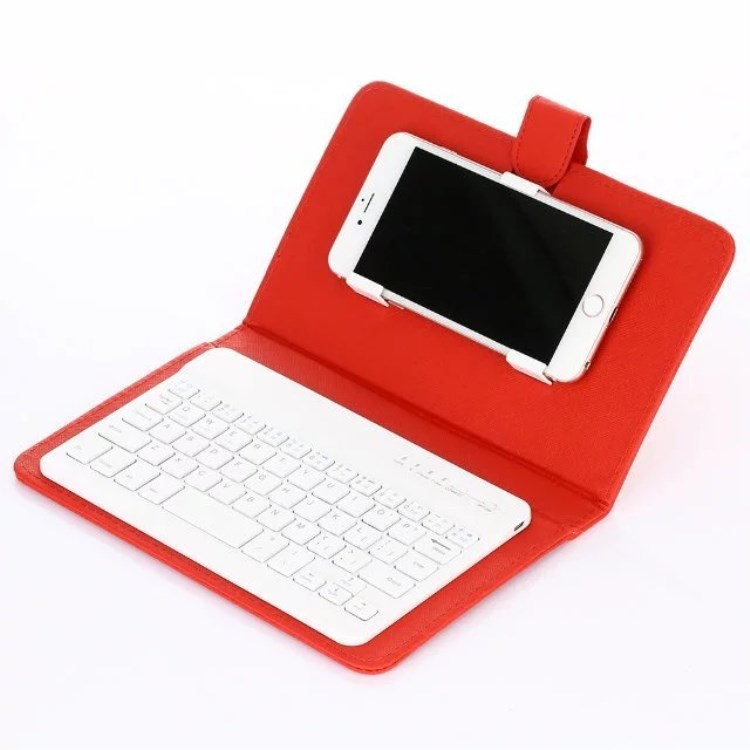
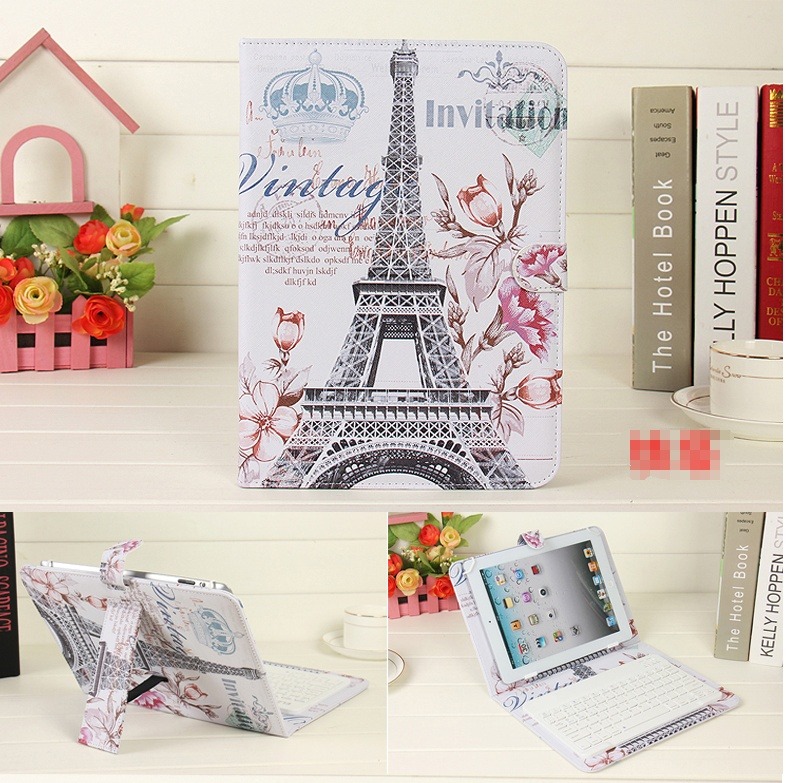
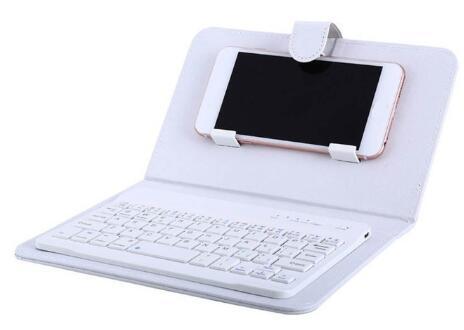
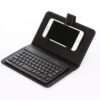
Wireless Keyboard Case Protective Cover
$22.98 – $47.81
Overview:
Applicable models: all systems with Bluetooth function mobile phones. Tablets are applicable regardless of screen size.
Instructions for use:
Step 1: Turn on the ON/OFF button
Step 2: Press the CONNECT button, and the indicator light of the Bluetooth logo will flash
Step 3: Turn on the Bluetooth switch of the phone at this time, search for Bluetooth devices, the default name of the keyboard case is Bluetooth 3.0 Keyboard
Step 4: Click the Bluetooth 3.0 Keyboard on the tablet or mobile phone, there will be a four-digit password with Arabic numerals, enter it on the keyboard, for example, the tablet prompts 1234, after pressing on the keyboard, press Enter to connect.
Specification:
Phone keyboard holster: Outside: 225MM X width: 140MM X thickness: 25MM. Ratio 16:9
Package Content:
Case 1pc +keyboard1pc a set
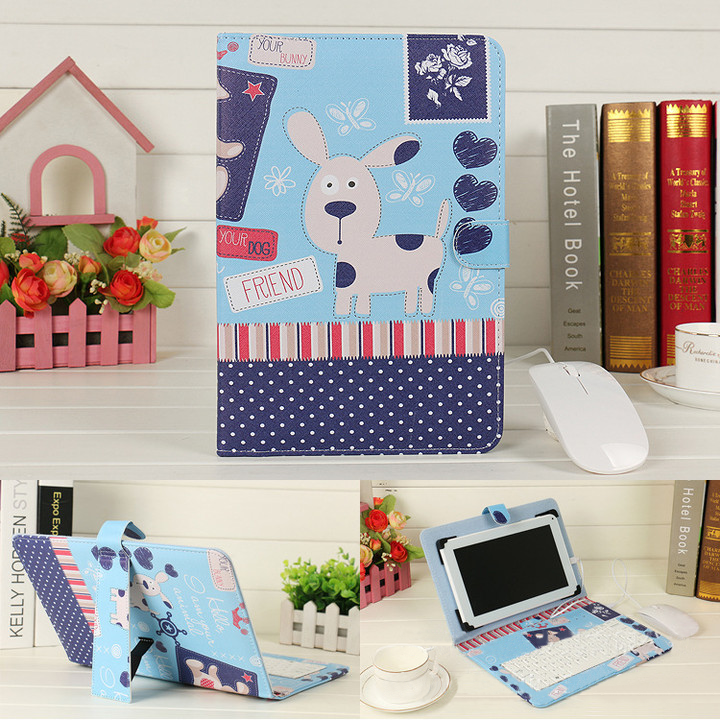
Additional information
| Weight | 0.45 lbs |
|---|---|
| Dimensions | 250 × 200 × 40 in |
| Color | White, Purplr, Red, Powder, Black, Blue, Tower |
| style | 7inchKeyboard, Case, Suit |
-
 $7.79 – $14.07
60W Fast Charging Multi-function Charging Cable Storage Box
$7.79 – $14.07 -
 $123.72 – $132.83
European Style Jacquard Cotton Embroidery Quilt Cover
$123.72 – $132.83 -
 $13.20 – $13.99
H9 Wireless Backlit Colorful Touch Remote Control Keyboard
$13.20 – $13.99 -



Reviews
There are no reviews yet.